
Introduction
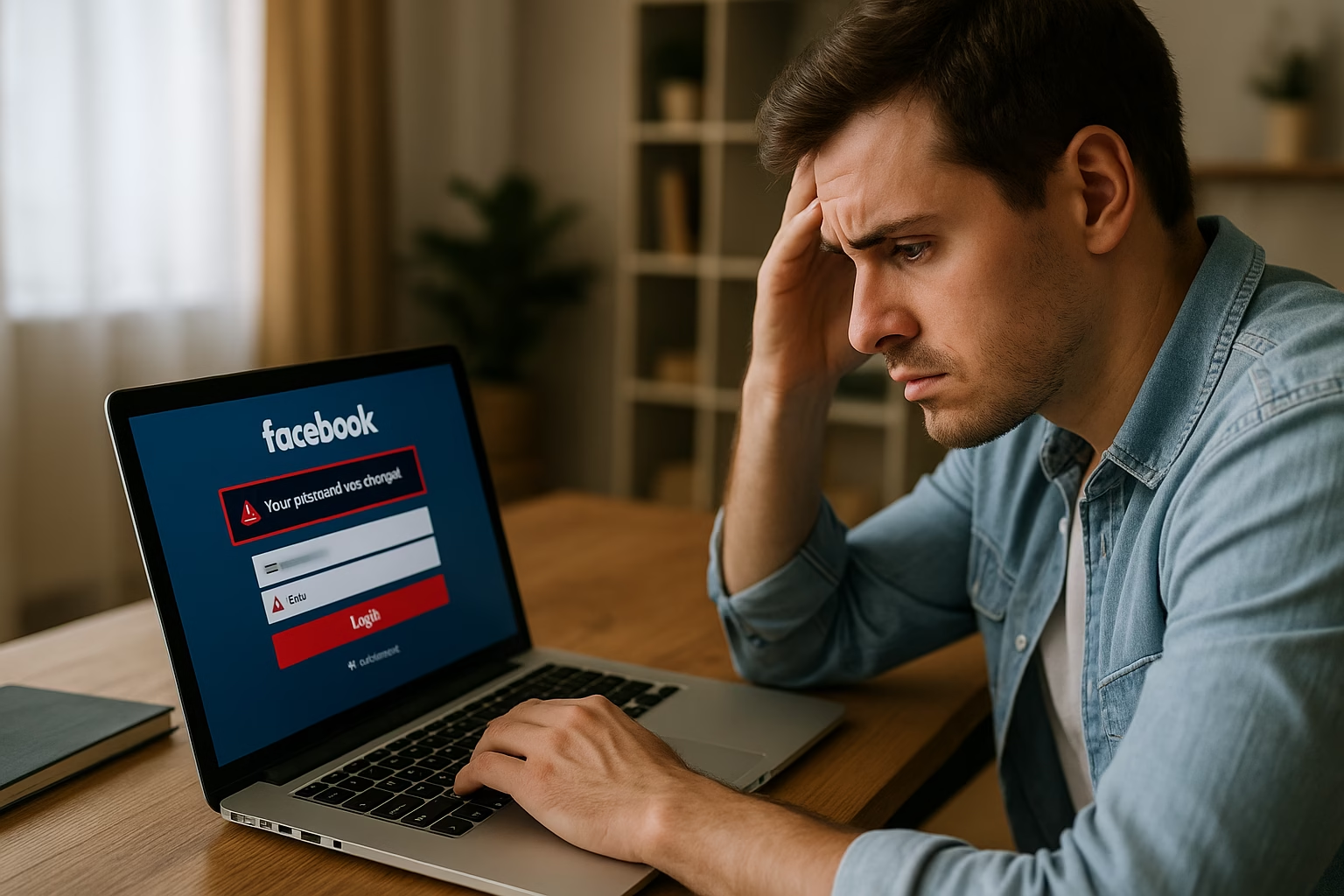
Few experiences online are as stressful as discovering that your social media account has been compromised. Among the most common digital crises, learning how to recover hacked Facebook account access is essential for personal security, digital reputation, and peace of mind. Hackers may take control of your Facebook profile to spread spam, scam your friends, or even gain access to sensitive data. The good news is that with the right approach, you can restore your account and prevent further damage.
Facebook remains one of the most widely used platforms worldwide, and unfortunately, this popularity makes it a frequent target for malicious actors. Whether the compromise came from a weak password, a phishing attack, or login details leaked in a data breach, the urgency to recover hacked Facebook account details cannot be overstated. The longer hackers remain in control, the greater the risk of identity theft, reputation damage, or fraudulent activity.
In this comprehensive guide, we will explore the critical signs that indicate your Facebook profile has been hijacked, provide practical strategies for recovery, and explain how to protect your account from future attempts. Each section offers actionable advice, whether you are already locked out or you simply suspect suspicious behavior. By following these proven steps, you can regain access, secure your profile, and continue using Facebook safely.
The goal here is simple: to help you effectively recover hacked Facebook account access and safeguard your digital identity. With clear instructions, preventive measures, and expert insights, this guide will empower you to take back control and protect what matters most—your personal information and online community.
Signs Your Facebook Account is Hacked
Recognizing the early warning signs of a compromised account is the first step toward acting quickly. Many users only realize the problem when they are fully locked out, but subtle changes can appear long before that. To effectively recover hacked Facebook account access, you need to know what to look for. Being aware of suspicious activity helps you respond faster, reduce damage, and keep your online presence safe.
One of the most common red flags is unusual login activity. Facebook allows you to review active sessions, and if you notice logins from unfamiliar devices, locations, or times, that’s a serious warning sign. Hackers often use VPNs or proxy servers, so the location may appear in another country. While occasional discrepancies can happen, repeated logins from unknown regions strongly suggest your account has been accessed by someone else.
Another key indicator is sudden changes to your account information. If your email address, phone number, or password has been modified without your knowledge, it means that control may already be slipping away. Hackers typically change recovery details first, making it harder for you to regain access. If you receive notifications about changes you didn’t authorize, act immediately to secure your account before losing full control.

Suspicious activity also extends to what others see. Friends may report receiving strange messages, spam links, or even fraudulent requests for money from your profile. Hackers often use compromised accounts to spread malware or trick people into sharing sensitive information. If your contacts are questioning unusual posts or messages, it’s a strong signal that your account has been misused. This is often one of the first ways victims discover they need to recover hacked Facebook account control.
Beyond messaging, look at your timeline and profile changes. Posts you didn’t create, ads you didn’t authorize, or groups you never joined are additional red flags. Hackers sometimes exploit your account for profit by spreading clickbait or joining mass groups to expand their reach. These actions not only put your privacy at risk but also harm your credibility with friends, family, and professional connections.
Finally, pay attention to notifications from Facebook itself. Warnings about suspicious logins, attempts to reset your password, or new security alerts are signs that someone is trying to compromise your account. Many users ignore these, assuming they are routine, but treating them seriously can make the difference between a minor scare and a full-blown hack. The faster you notice, the faster you can recover hacked Facebook account access and prevent long-term consequences.
By monitoring login sessions, reviewing personal details, and listening to feedback from friends, you can catch hacking attempts early. Awareness is key to protecting yourself and minimizing risks. In the next section, we’ll explore essential prevention strategies to keep your account secure after recovery, ensuring that once you regain access, you don’t face the same threat again.
Prevention Tips After Recovery
Once you successfully recover hacked Facebook account access, the next crucial step is ensuring the same incident does not happen again. Many users focus on the recovery process but fail to strengthen their account security afterward. Without preventive action, hackers may target you again, exploiting the same weaknesses that led to the initial compromise. Taking a few strategic steps can significantly reduce risks and safeguard your digital identity in the long term.
The first line of defense is enabling two-factor authentication (2FA). With this feature, even if hackers steal your password, they cannot log in without the additional verification code sent to your phone or authentication app. Facebook offers multiple 2FA options, including SMS-based codes and third-party authenticator apps such as Google Authenticator or Authy. For stronger protection, always choose app-based methods, as SMS codes can be intercepted.
Another preventive measure is regularly updating your password. Many breaches occur because users recycle weak or old credentials across multiple platforms. If your login details are leaked from another service, hackers can use them to access Facebook. Choose a strong, unique password with a mix of upper and lowercase letters, numbers, and symbols. Updating your password every few months is a small habit that provides massive protection.
Review your account recovery options carefully. Ensure that the email address and phone number associated with your profile are current and secured. Hackers often try to change these details to lock you out permanently. If you recently managed to recover hacked Facebook account access, double-check these settings immediately. Consider adding a secondary email or recovery option for extra resilience.
Being cautious about third-party apps is another important step. Many users unknowingly grant excessive permissions to games, quizzes, or productivity tools connected to Facebook. Some of these apps can be exploited to gain access to your account or harvest personal data. Visit your settings and remove any applications you don’t use or trust. Keeping your connected apps list clean significantly reduces vulnerabilities.
Regular account monitoring is also vital. Make it a habit to check your active sessions under security settings. If you notice any unfamiliar devices or locations, log them out immediately and change your password. Facebook provides detailed information about the type of device, browser, and location used for login, which helps you stay in control.
Finally, stay alert to phishing attempts. Hackers frequently use fake emails or messages designed to trick you into revealing login details. Never click on suspicious links, and always verify that Facebook communications come from official domains. Bookmark the official login page and use it instead of links received in messages. Awareness and caution are just as important as technical safeguards.
By combining two-factor authentication, strong password habits, secure recovery details, and cautious app management, you can build strong defenses. These practices not only help you recover hacked Facebook account access when something goes wrong but also minimize the chances of facing the same nightmare again. Prevention is the ultimate safeguard for your digital security and peace of mind.
Step-by-Step Guide to Recover Hacked Facebook Account
Step 1: Secure Your Login and Verify Identity
The very first thing you must do when attempting to recover hacked Facebook account access is to secure your login details. Speed matters in these situations, because the longer hackers have access, the more damage they can inflict. Whether you are still able to log in or have been completely locked out, your immediate priority is to stop unauthorized access and begin verifying your identity with Facebook’s recovery tools.
If you can still log in to your profile, go straight to the “Settings & Privacy” section and check your login sessions under the “Security and Login” tab. Review the list of devices currently logged in, and immediately log out any suspicious sessions. This ensures that hackers are removed from active access points. Once complete, change your password to something strong and unique. Avoid using any password that has been used before across other platforms, as hackers often attempt credential stuffing attacks.
In cases where you are completely locked out, use Facebook’s official recovery page at facebook.com/hacked. This page is designed specifically for people who suspect their account has been compromised. Follow the on-screen instructions, which will typically involve verifying your identity through your registered email address or phone number. If hackers have already altered your recovery information, Facebook will request alternative verification methods, such as providing a government-issued ID.
Identity verification is one of the most effective ways to prove ownership. You may be asked to upload a photo of your ID, passport, or driver’s license. While it might feel uncomfortable, this step is critical to prove that you are the rightful owner. Facebook uses secure systems to review documents and typically responds within a few hours to a few days, depending on the complexity of the case.
Another useful action is enabling alerts for unrecognized logins. Once you regain access, make sure you set up notifications via email and SMS. These alerts will notify you immediately if someone tries to access your profile from an unknown device. Having these protections in place prevents hackers from sneaking back in unnoticed.
By acting quickly to secure your login and verify your identity, you build the foundation for recovery. This step ensures that hackers are locked out and that Facebook recognizes you as the legitimate account owner. Once you complete this process, you can move to the next stage: resetting security settings and removing any traces of malicious activity. Ultimately, knowing how to recover hacked Facebook account access begins with this essential first step.
Step 2: Reset Security Settings and Remove Malicious Activity
After you manage to recover hacked Facebook account access and secure your login, the next priority is cleaning up any malicious changes made by hackers. It is not enough to simply change your password—cybercriminals often leave behind traces that allow them to re-enter or continue exploiting your profile. By resetting your security settings and reviewing all activity, you eliminate vulnerabilities and take back complete control of your account.
Start by reviewing your contact information. Navigate to “Settings & Privacy” → “Settings” → “General Account Settings.” Verify that your email addresses and phone numbers are accurate and belong only to you. Hackers frequently add their own recovery email or number so they can easily regain access if you change the password. Remove anything suspicious immediately and confirm that your main recovery methods are secure and up to date.
Next, check your “Security and Login” settings again. Even after removing suspicious sessions, it is important to update your security preferences. Enable two-factor authentication if you haven’t already, and choose an authentication app instead of SMS for better protection. Additionally, set up alerts for unrecognized logins through both email and notifications. This ensures you receive real-time warnings if someone tries to break in again.
Once your recovery details are secured, it’s time to scan your account for any malicious activity. Review your timeline, posts, and groups. Hackers may have posted spam links, joined suspicious groups, or tagged friends in fraudulent content. Delete anything that looks unusual. This helps restore your credibility and prevents friends or followers from falling victim to scams spread through your account. If ads were created under your profile, contact Facebook support to dispute any unauthorized charges.
Another critical step is checking third-party app permissions. Go to the “Apps and Websites” section in your settings and remove any apps you don’t recognize. Many hackers connect malicious applications to your profile, giving them ongoing access even after you change your password. Clearing these permissions ensures no hidden backdoor remains open.
Finally, notify your contacts. If hackers sent out phishing links or scam messages from your account, inform your friends and family so they don’t fall victim. Transparency helps protect your network and rebuilds trust in your profile. After all, recovering your account is not just about regaining access—it’s about restoring your reputation too.
By carefully resetting your settings, deleting malicious content, and cutting off unauthorized connections, you strengthen your defenses. This stage ensures that once you recover hacked Facebook account access, the intruder has no way back in. With a clean and secure profile, you can move forward to the final step: reinforcing your account for long-term protection.
Step 3: Strengthen Long-Term Protection and Monitor Activity
Once you recover hacked Facebook account access and clean up malicious activity, your journey isn’t finished. The final and most critical step is building a long-term protection plan to prevent future attacks. Hackers are persistent, and many victims experience repeat compromises because they fail to implement strong ongoing security practices. With the right measures, you can turn your account into a fortress and stay ahead of cybercriminals.
Begin by strengthening your password hygiene. Do not reuse the same credentials across different platforms. If your email, shopping account, or streaming service gets hacked, criminals often try those same credentials on Facebook. Use a password manager to generate and store complex, unique combinations. Aim for at least 12 characters mixing uppercase, lowercase, numbers, and symbols. Changing your password regularly, especially after any security scare, significantly reduces the chance of another breach.
Monitoring activity is equally important. Regularly review your login history and active sessions under “Security and Login.” If you notice unfamiliar devices or geographic locations, terminate those sessions immediately. Facebook makes this process simple, and staying alert can help you catch unauthorized access attempts early. Consider setting a monthly reminder to audit your account activity, so security becomes a habit rather than an afterthought.
Another key strategy is keeping your recovery information safe. If hackers gain access to your email, they can easily reset your Facebook password. Protect your email account with strong credentials and two-factor authentication. Likewise, if you use your phone for recovery, ensure it is secured with a PIN, biometric lock, or both. This layered defense approach ensures that even if one entry point is attacked, others remain protected.
Education also plays a role in protection. Familiarize yourself with common phishing scams, fake login pages, and fraudulent links. Many Facebook hacks begin with tricking users into entering their credentials on a fake site. Always verify URLs before entering login details, and never click suspicious links in messages or emails. Staying informed keeps you one step ahead of evolving cyber threats.
Finally, consider periodically updating your security settings. Facebook frequently introduces new tools and privacy controls designed to help users maintain safety. Explore these features and enable any new protections as they become available. Being proactive ensures you are benefiting from the latest safeguards.
By maintaining strong password practices, monitoring activity, securing recovery methods, and staying informed, you create a sustainable defense system. This final step guarantees that when you recover hacked Facebook account access, it is not just a temporary fix but a lasting solution. Security is an ongoing process, and with vigilance, you can protect both your personal identity and your online community.
Conclusion
In today’s digital world, social media security is no longer optional—it’s essential. Few challenges feel as urgent as the need to recover hacked Facebook account access, especially when your personal data, friendships, and online reputation are at risk. Fortunately, recovery is possible, and with the right strategies, you can regain control while preventing future compromises. The journey involves three important stages: recognizing the signs of hacking, executing the recovery process, and strengthening your long-term defenses.

As outlined, the first step is about awareness. By understanding suspicious logins, profile changes, and unusual activity, you can act quickly before the situation escalates. The faster you identify these red flags, the faster you can stop hackers from doing further damage. Once you detect a problem, acting promptly to secure your login details and verify your identity ensures that Facebook recognizes you as the rightful account owner.
The second stage involves cleanup and security resets. Hackers rarely leave quietly; they often modify account settings, post harmful content, or connect unauthorized apps. Reviewing and resetting every part of your account—from contact information to app permissions—removes their access and restores your digital credibility. Informing friends and contacts is equally important, as it helps limit the spread of scams or phishing attempts made through your compromised profile.
Finally, true recovery means more than just regaining access. By adopting stronger password practices, enabling two-factor authentication, and monitoring your account regularly, you make sure the same issue doesn’t happen again. Long-term protection requires vigilance, but the payoff is peace of mind and confidence in your online security. With every new security habit you build, you close another door to potential attackers.
Ultimately, the process to recover hacked Facebook account access is both a lesson and an opportunity. It reminds us of the importance of proactive security in an interconnected world. By applying the steps and prevention tips discussed in this guide, you don’t just fix the immediate issue—you transform your account into a safer, stronger digital space. With awareness, action, and consistency, you can enjoy Facebook the way it was meant to be used: to connect, share, and engage with confidence.